> For the complete documentation index, see [llms.txt](https://manuals.i-reporter.jp/llms.txt). Markdown versions of documentation pages are available by appending `.md` to page URLs; this page is available as [Markdown](https://manuals.i-reporter.jp/start-guide/introduction.md).

# はじめに

このマニュアルでは、

* i-Reporter を利用するために必要な初期設定の手順
* はじめて i-Reporter を利用する方向けの基本操作

を、各マニュアルから内容を抜粋してご案内します。

作業を進める上でご不明な点やお困りのことがございましたら、「サポートWEB」トップページ右上の 「サポート受付（青ボタン）」 よりお問い合わせください。サポートチームより回答いたします。

{% hint style="info" %}
▼ [i-Reporter サポートWEB](https://cimtops-support.com/i-Reporter/ja/)
{% endhint %}

## **i-Reporter とは？**

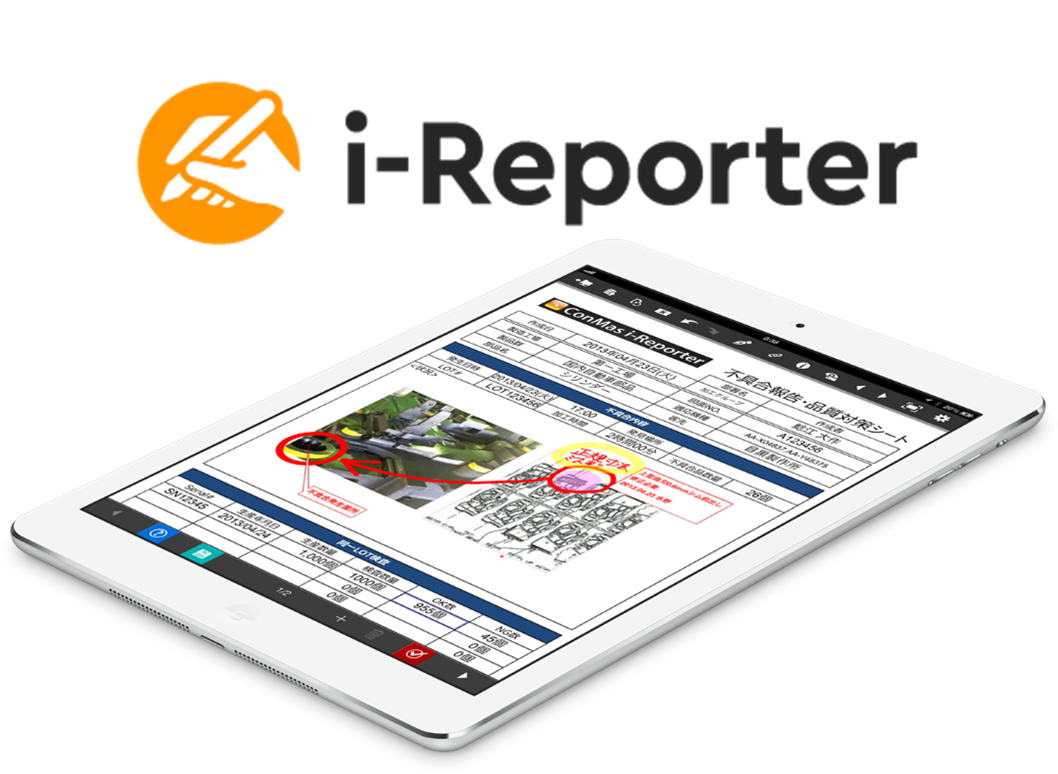
i-Reporterは、iPad、iPhone、Windowsタブレットによるペーパーレス 『現場帳票』 記録・報告・閲覧 ソリューションです。\
既存の帳票を『そのまま』の形で iPad や Windowsタブレットなどで利用できます。

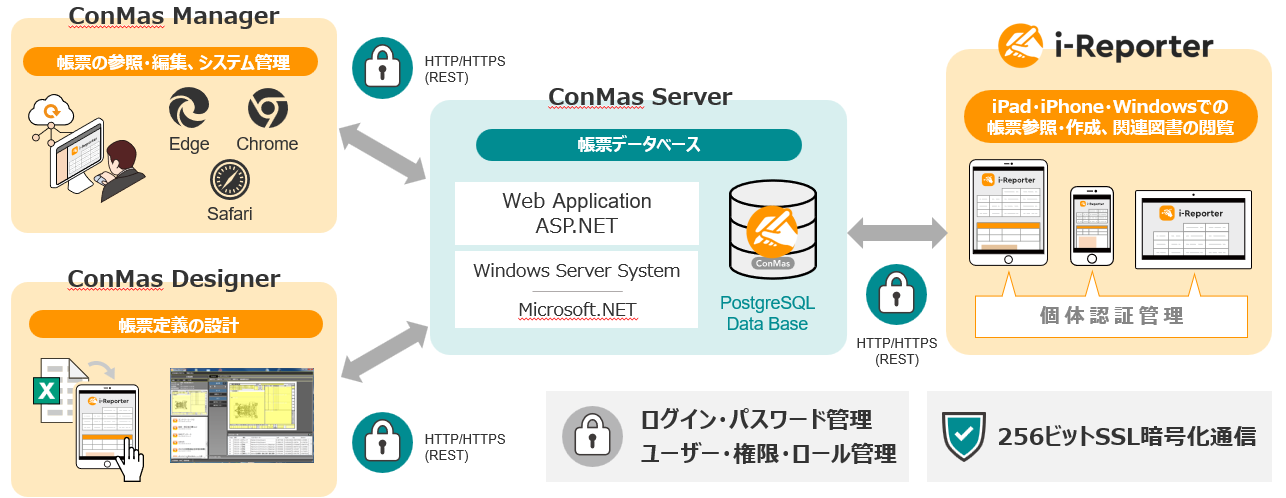
### **i-Reporterの構成**

{% hint style="success" %}

* クラウド版をご利用の場合、i-Repo  Server はシムトップスにて構築済みです。
* オンプレミス版をご利用の場合は、お客様にて i-Repo Server の構築が必要です。\
  「i-Repo Server インストール手順書」 をご参照のうえ、まずはサーバー構築作業を実施してください。\
  ▼i-Reporter利用者マニュアル ＞ サーバーを構築・メンテナンスする\
  　 ＞ i-Repo Server のインストール（オンプレミス版）＞ [i-Repo Server インストール手順書](https://manuals.i-reporter.jp/server-construction-maintenance/server-installation)
  {% endhint %}
